Reframe, not crop
Cropping is fast, but it can remove the product, headline, logo, price, and call to action that make an ad work. Glif uses AI recomposition to resize image creative without cropping the sales message.
AI ad format utility
Upload one image and resize it for Instagram, Facebook, LinkedIn, X, TikTok, YouTube, Pinterest, and every major social media size. Glif reframes the product, headline, offer, CTA, and logo so the message stays readable without cropping.
Standard resizers crop your image and cut off the logo, headline, and call to action. Glif takes one approved creative and resizes it for every social media platform: Instagram posts and stories, Facebook, LinkedIn, X, TikTok, YouTube, and Pinterest. Square, portrait, vertical, feed, and link sizes from one upload, with the message intact.
Cropping is fast, but it can remove the product, headline, logo, price, and call to action that make an ad work. Glif uses AI recomposition to resize image creative without cropping the sales message.
Turn one approved ad or brand kit into a repeatable output set for paid social, organic posts, display placements, link previews, and client review decks. It works like a bulk social media image resizer for campaign teams.
Generate the core ratios teams need most: 1:1 square, 4:5 portrait feed, 9:16 vertical, 16:9 display, and 1.91:1 link ads. For exact dimensions, use the social media image sizes 2026 guide.
Square posts, portrait feed, Stories, Reels, and ads.
Feed, link previews, covers, Stories, and paid placements.
Professional feed ads, banners, and company updates.
In-stream images, wide previews, and campaign headers.
Vertical 9:16 assets for TikTok and full-screen video ads.
16:9 thumbnails, display creative, and video placements.
Tall pins and product creatives that preserve brand layout.
Upload one creative, choose every required format, and Glif generates platform-ready outputs from the same source image.
Use 1:1, 4:5, 9:16, 16:9, and 1.91:1 as your core set, then check the size guide for platform-specific pixel dimensions.
Use AI recomposition to move and scale the design elements instead of simply cutting the canvas.
Glif preserves the layout intent and exports clean social-ready images; always upload the highest-quality source creative available.
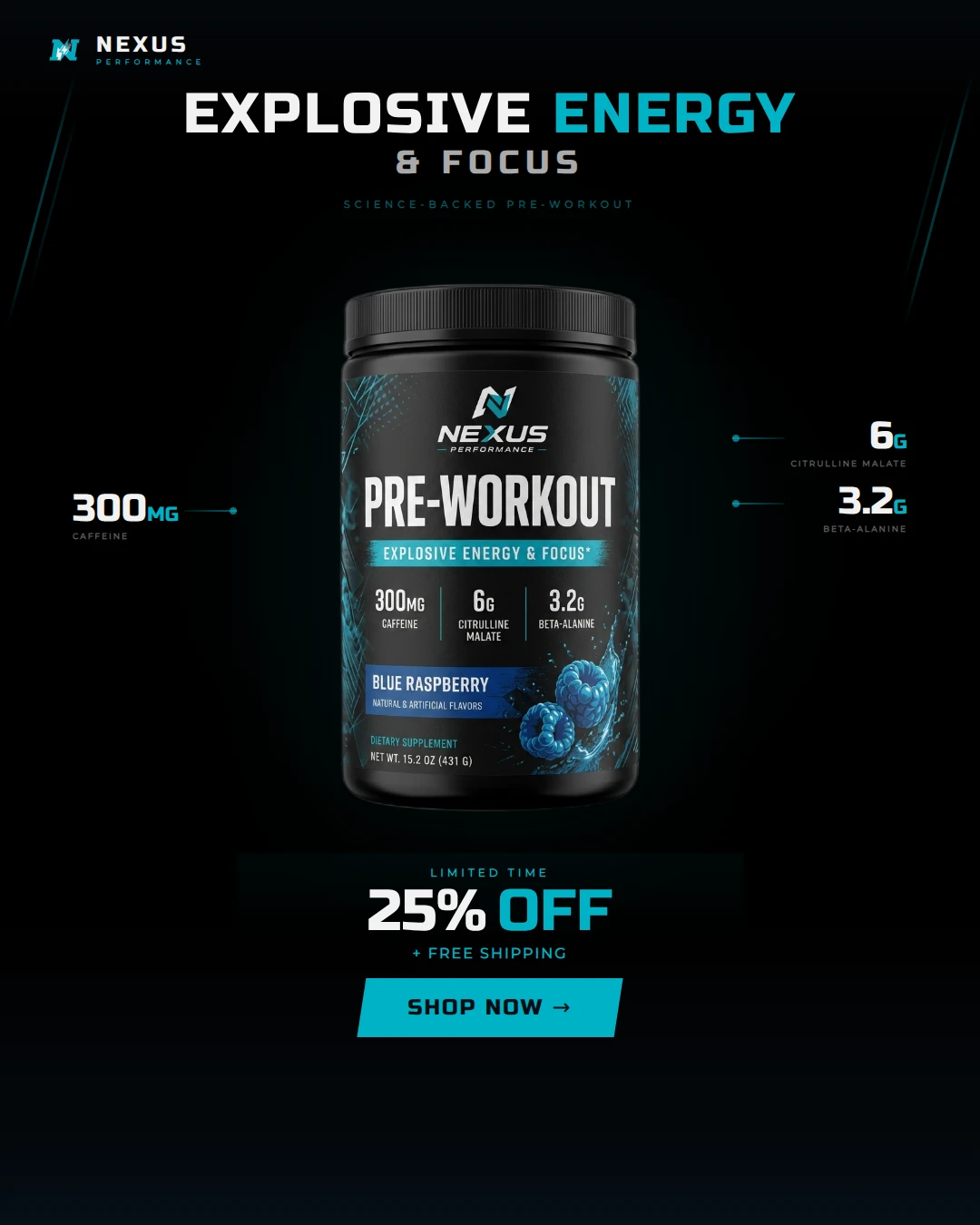
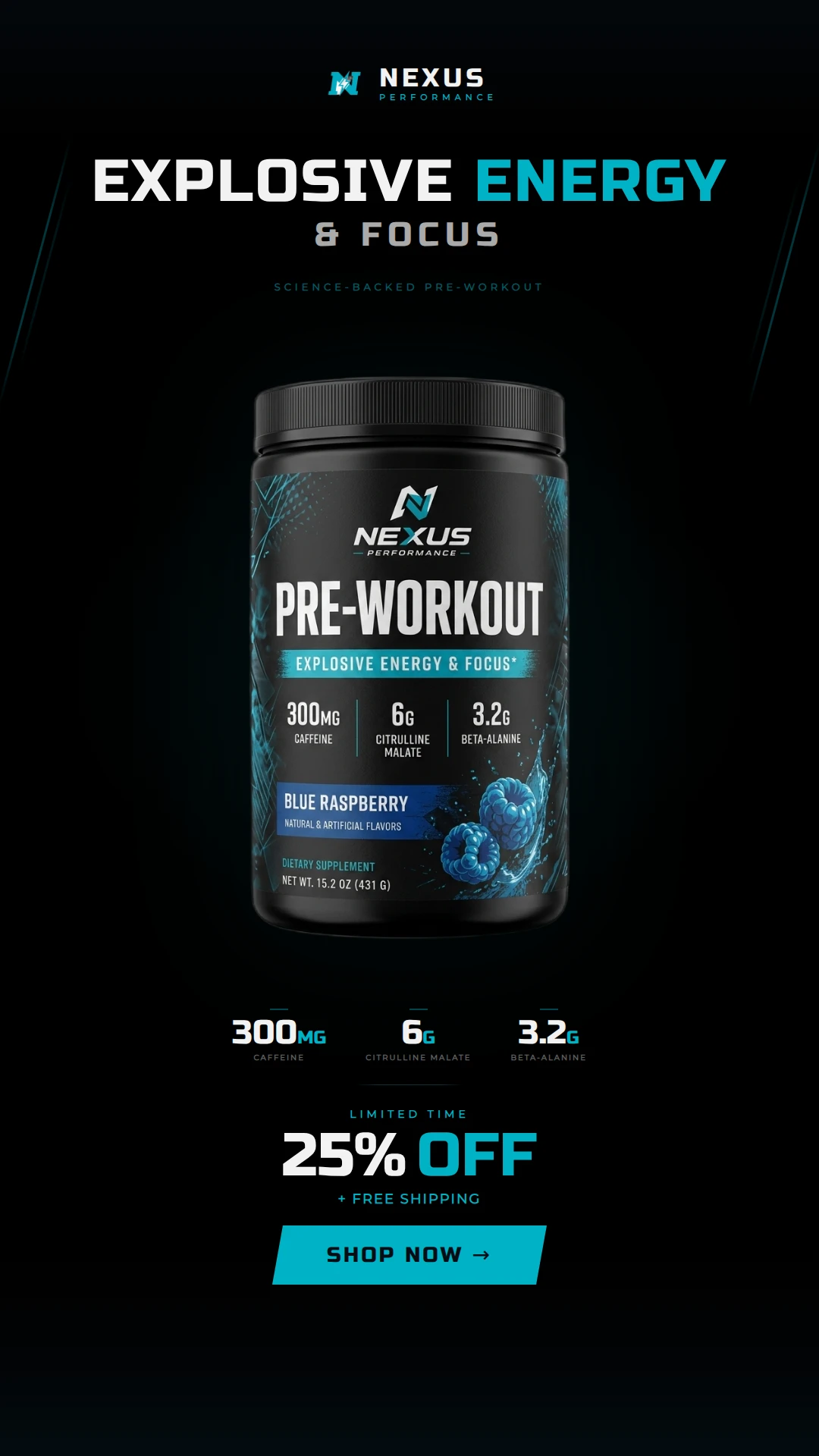
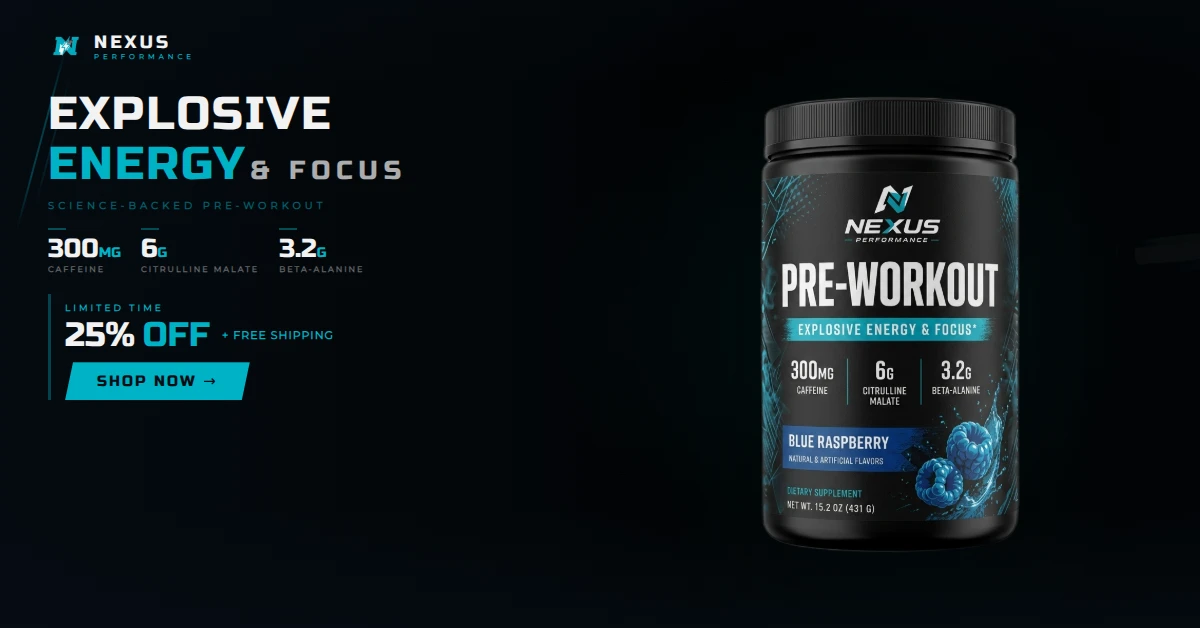
Original upload on the left. Recomposed output formats on the right, each shown in its real aspect ratio.
Approved source creative before recomposition.
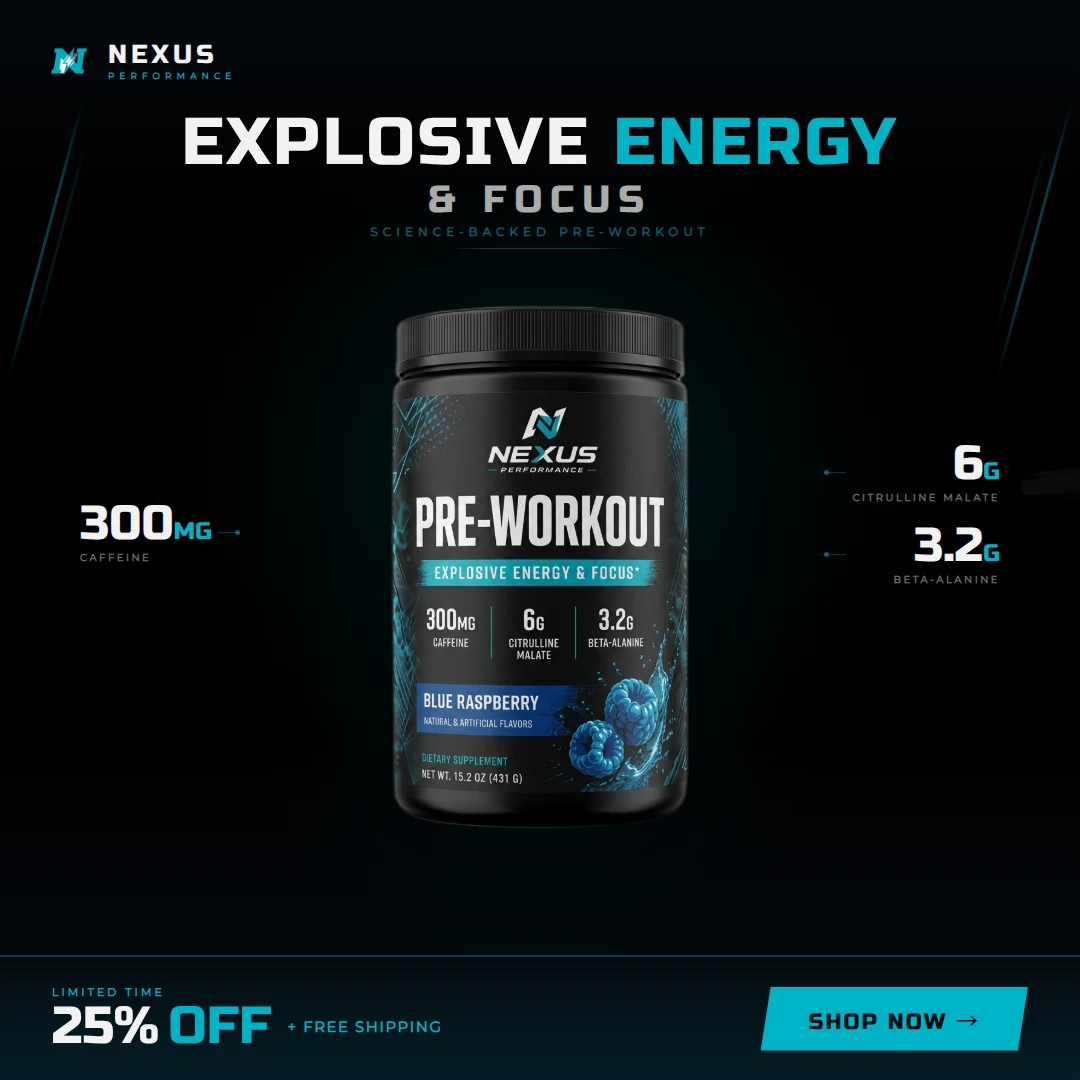
Feed output with more vertical room while keeping the full ad hierarchy.
Full-screen output for TikTok, Reels, Shorts, and Stories.
Widescreen output for display, YouTube, and landing page placements.
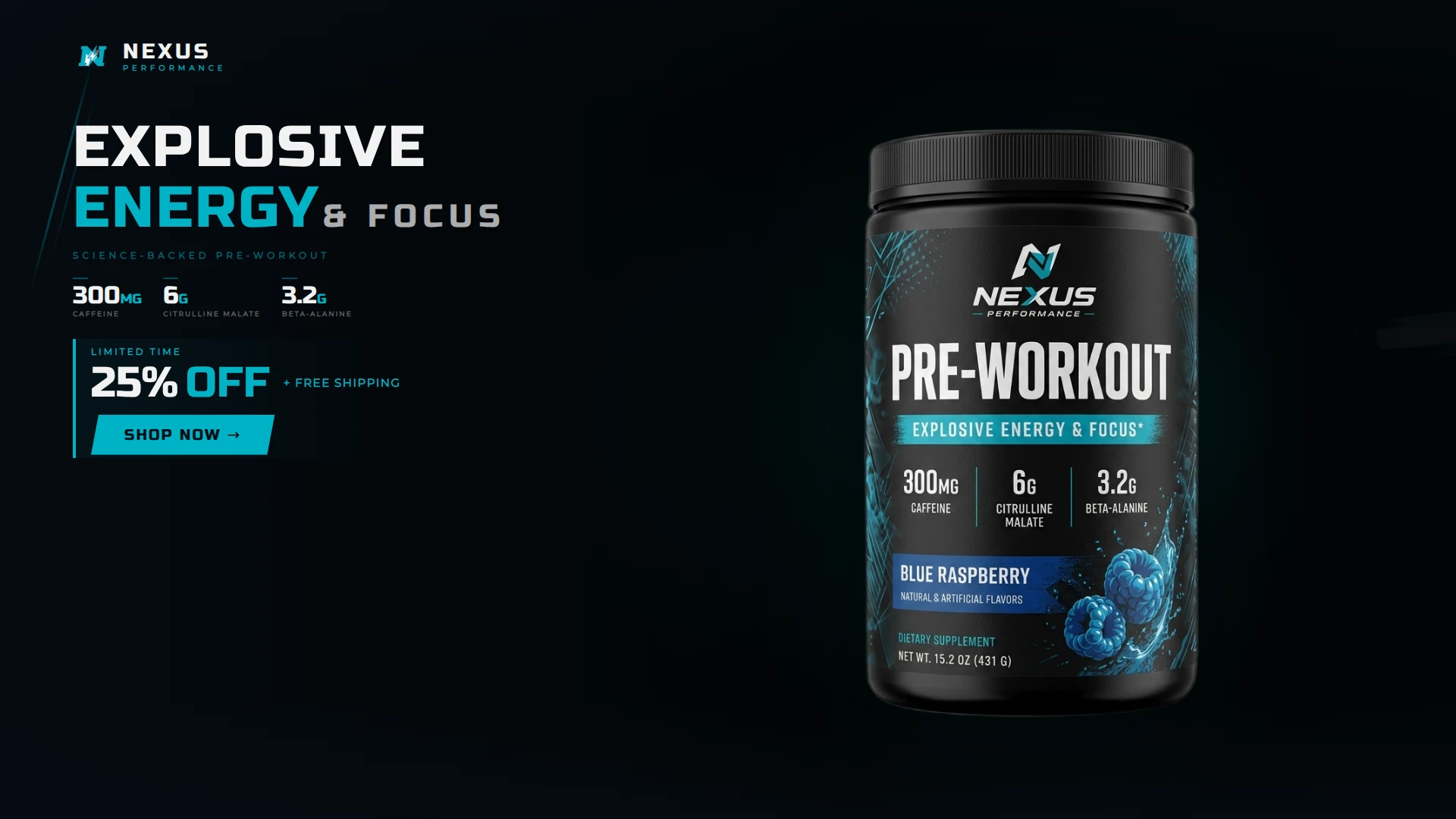
Wide link-preview output for paid social and campaign placements.
Generate branded Instagram and Facebook carousel ads with lifestyle photos, logo lockup, and ad copy.
Upload a brand kit. Get a commercial.
Turn amateur product snapshots into studio-quality shots.
Add dynamic AI image based subtitles to your videos.
Generate multi-angle product shots from a single photo.
Design custom graphics for t-shirts, mugs, posters, and other merchandise.
Turn any topic into a slick animated slideshow to present as a video or download as JSON.
Generate branded Instagram and Facebook carousel ads with lifestyle photos, logo lockup, and ad copy.
Upload a brand kit. Get a commercial.
Turn amateur product snapshots into studio-quality shots.
Add dynamic AI image based subtitles to your videos.
Generate multi-angle product shots from a single photo.
Design custom graphics for t-shirts, mugs, posters, and other merchandise.
Turn any topic into a slick animated slideshow to present as a video or download as JSON.